Let your agent check your own systems mid-conversation, like delivery areas, stock or a booking, by calling endpoints you add
Your API lets your agent answer from your own systems while it chats. Add an endpoint, such as "which days do you deliver to this postcode?", and when a visitor asks something only that system knows, the agent calls it and answers from what comes back. There is no trigger to configure: the agent decides when to use an endpoint from its description. You decide which endpoints exist and what they may do.
Open Capabilities, then Your API in the Your systems group.
Your API is on Growth and up, with a monthly cap on runs: 1,000 on Growth, 10,000 on Scale. See Plans.
Your endpoints
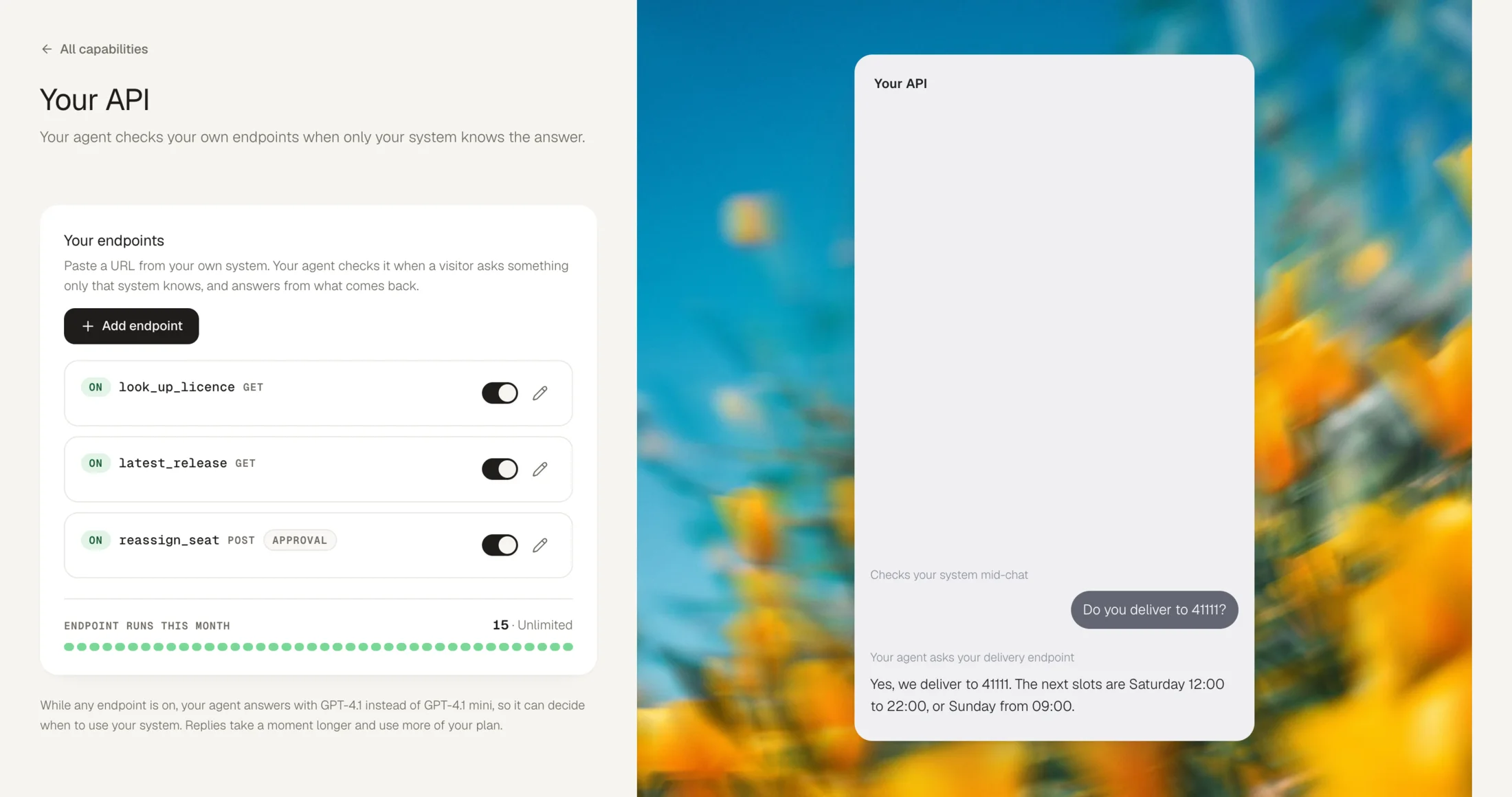
The Your API page lists the agent's endpoints, each with its own switch. The capability is on whenever at least one endpoint is on. Open an endpoint to see its whole story on one page: what it does, what the AI sees, the request, the answer, a test bench and its run log.
While any endpoint is on, the agent answers with GPT-4.1 instead of GPT-4.1 mini so it can decide when to call your system. Replies take a moment longer.
Start from a URL you already have
Paste a working URL
Choose Add endpoint and paste a URL that works, with a real value in it (https://api.example.com/delivery/41111), or a cURL command. If it reads data, we run it once and show you what came back. A request that changes data is never run while you set up.
Check the draft
We draft the rest for you to check. First, a name and the description your agent reads to decide when to use it. Then the inputs hidden in the URL, so 41111 becomes {postcode} and the agent asks the visitor for it. Last, the response fields worth keeping, picked from the real response. A [*] field reads every item in a list.
If your endpoint answered 401 or 403, paste the header it expects. We save the value as an encrypted secret named for your API and send only a reference to it. Only a workspace owner can save secrets.
Try it in a chat
Ask what a visitor would ask and see whether your agent uses the endpoint and what it answers. Nothing is saved. A new endpoint is created switched off, so nothing reaches visitors until you turn it on.
Under Other ways to start are templates for common endpoints: look up an order, check a subscription, open a ticket, verify a licence key, check stock. There is also Import from cURL for a command you already have working, and Start from scratch.
What the AI sees
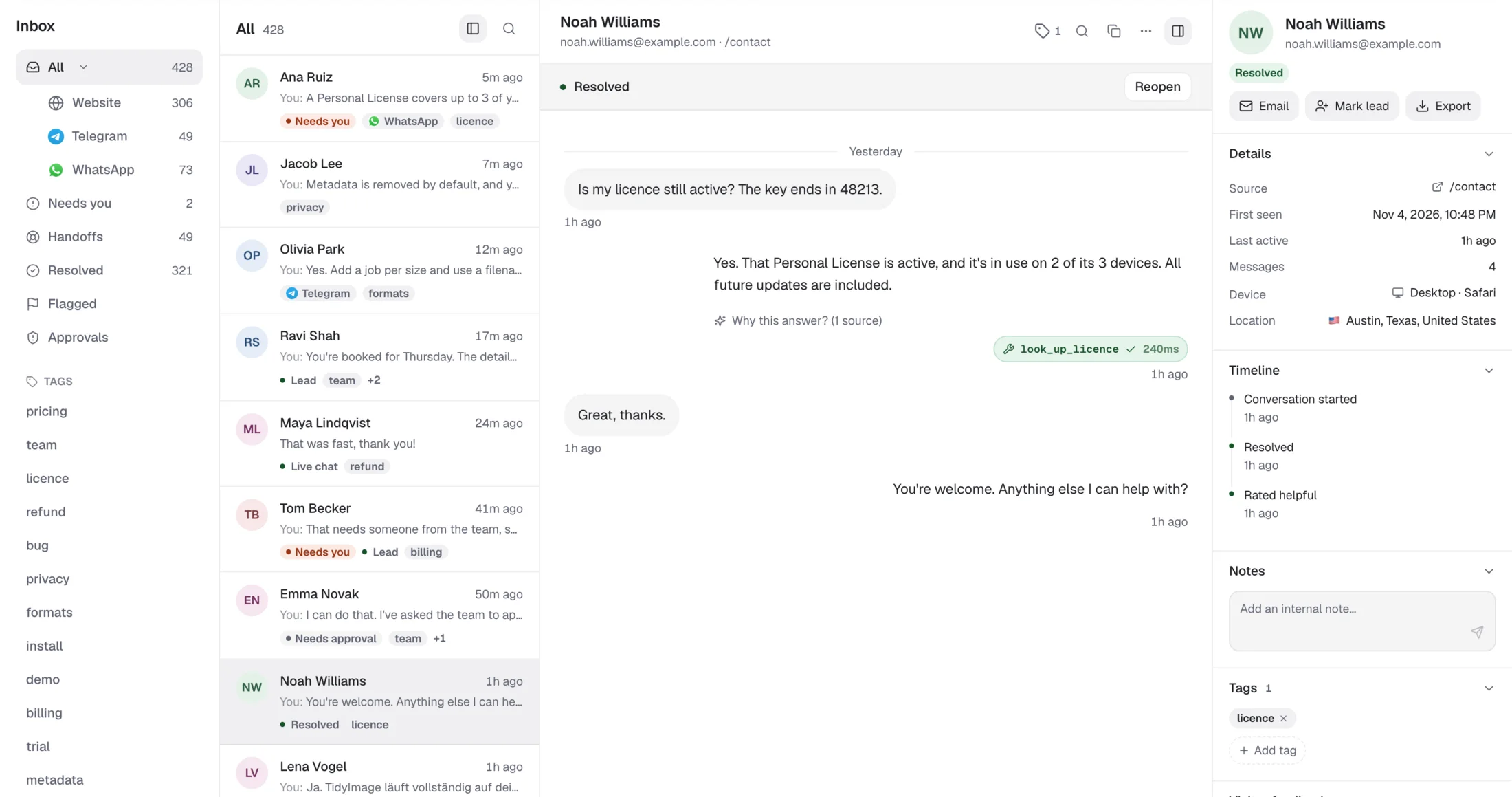
Every endpoint's page shows the exact tool definition we hand the model: the name, the description and the parameters. The description is the whole trigger, so if an endpoint never seems to fire, this is where to look. The URL, the headers and your secrets never leave our server.
Names are turned into lowercase words joined by underscores, so Check delivery days becomes check_delivery_days. If two endpoints would end up with the same name we tell you while you type.
Inserting values
| Placeholder | What it inserts |
|---|---|
{parameter_name} | A value the agent collected, such as {postcode} in https://api.example.com/delivery/{postcode}. |
{{visitor.name}}, {{visitor.email}}, {{visitor.phone}}, {{visitor.page_url}}, {{visitor.locale}}, {{visitor.timezone}} | What the visitor has already told this conversation, so the agent does not ask twice. |
{{secret.NAME}} | A stored secret. Headers only. |
Values are escaped for wherever they land, so a customer called O'Brien cannot break the request. An unfilled placeholder refuses the run rather than sending a half-built request.
Visitor details are supplied by the visitor and are not verified. They are fine for personalising a request. Never use one to decide what somebody is allowed to see.
The test bench
Run the endpoint against your real system with sample inputs. Nothing is saved and no run is counted. Before it fires, the bench shows the request we will send: the substituted URL, the real body and the headers with secret values masked. Copy it as a cURL command to hand to whoever owns the API.
Next steps
Order help
Your agent answers "where is my order?" from your store, for the customer who placed it, and can change a shipping address before it ships
Agent settings
Language, timezone, legal notices, branding, team alerts and pausing or deleting an agent: the settings that belong to one agent rather than the workspace