On your WordPress site in about a minute.
Install the plugin, press Connect, and pick the agent you want. Nothing to copy and no ID to find. Place it site-wide, drop it into a page with the Gutenberg block, or call the shortcode. If you run WooCommerce, it hands the agent order context on its own.
A real plugin, not a snippet you babysit.
The Hey Support plugin puts the chat widget on your WordPress site without you ever opening a theme file. Install it, press Connect, and pick your agent. It prints the embed for you: site-wide by default, or exactly where you want it.
The embed only ever carries your public chatbot ID, so it is safe to ship. And when WooCommerce is active the plugin detects it and forwards cart and customer context, so the agent can talk about orders without extra setup.
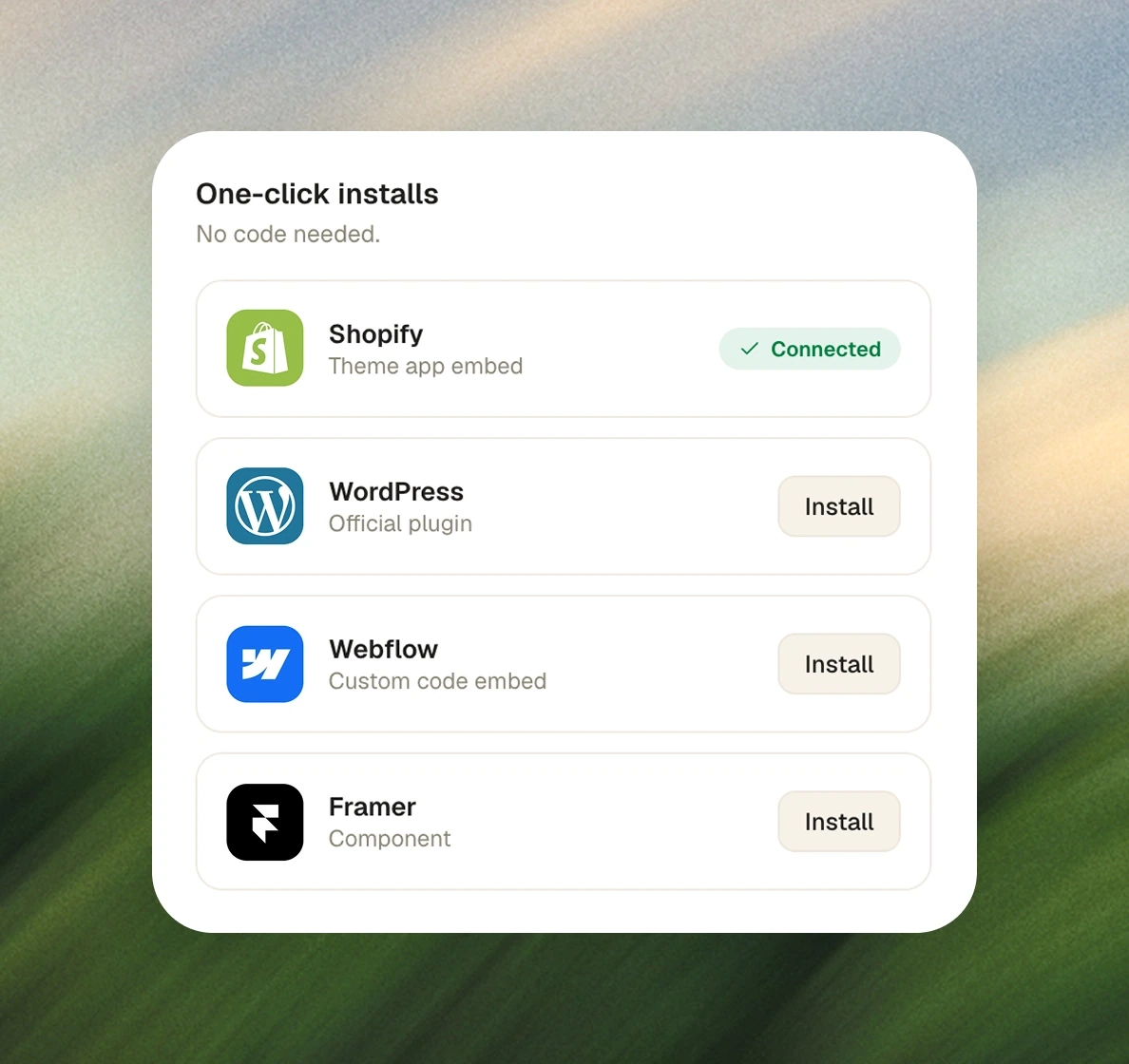
Two steps, no code.
Install the plugin
Add the Hey Support plugin to your WordPress site and activate it. No Composer, no build step.
Press Connect
Sign in to Hey Support and pick the agent for this site. You land back in WordPress connected, with nothing to copy or paste.
Choose where it shows
Leave it site-wide, place it in a page with the Gutenberg block, or use the [hey_support] shortcode wherever you like.
Running WooCommerce? The plugin detects it and forwards order and cart context automatically. Nothing else to configure.
Flexible placement, WooCommerce-aware.
Site-wide, or precise
Auto-inject on every page, or place the widget exactly where you want it with the block or shortcode.
A Gutenberg block
Drop the widget into any page or post from the editor. No HTML, no plugin conflicts to chase.
WooCommerce-aware
When Woo is active, the plugin forwards cart and customer context so the agent can answer order questions.
Nothing to copy
Connecting is one button. The embed carries only your public chatbot ID, and no account credentials ever touch the page.
WordPress questions, answered
The plugin runs on PHP 7.4+ with no Composer or build step. It ships a Gutenberg block and a [hey_support] shortcode, and auto-injects site-wide if you'd rather not place it by hand.
Put WordPress to work in your next conversation.
No credit card · Live in a day · Cancel any time