Your bot on Telegram, with the same brain.
Paste a bot token from BotFather and Hey Support wires up the webhook for you. Customers message on Telegram and get answers from the same AI and knowledge as your website widget, and every thread lands in your inbox.
One agent, now on Telegram too.
Telegram is a real support channel for a lot of teams. Hey Support connects your bot there without a second brain to train: the same retrieval, the same knowledge, the same tone answer on Telegram as on your site.
Setup is a single paste. Create a bot with BotFather, drop its token in, and the webhook registers itself. Messaging is a persistent one-to-one surface, so conversations pick up where they left off, and an agent can take over from the inbox at any time.
One token, and you're on.
Create a bot in BotFather
Ask Telegram's BotFather for a new bot and copy the token it gives you.
Paste the token
Add it on the Integrations page. Hey Support validates the token and registers the webhook automatically.
Start answering
Messages route to your agent and replies go back to the same chat. Anything that needs a person shows up in your inbox.
The full agent, on a new surface.
Same AI and knowledge
Retrieval, citations, and tone are identical to your website widget. Nothing to retrain.
Inbox in sync
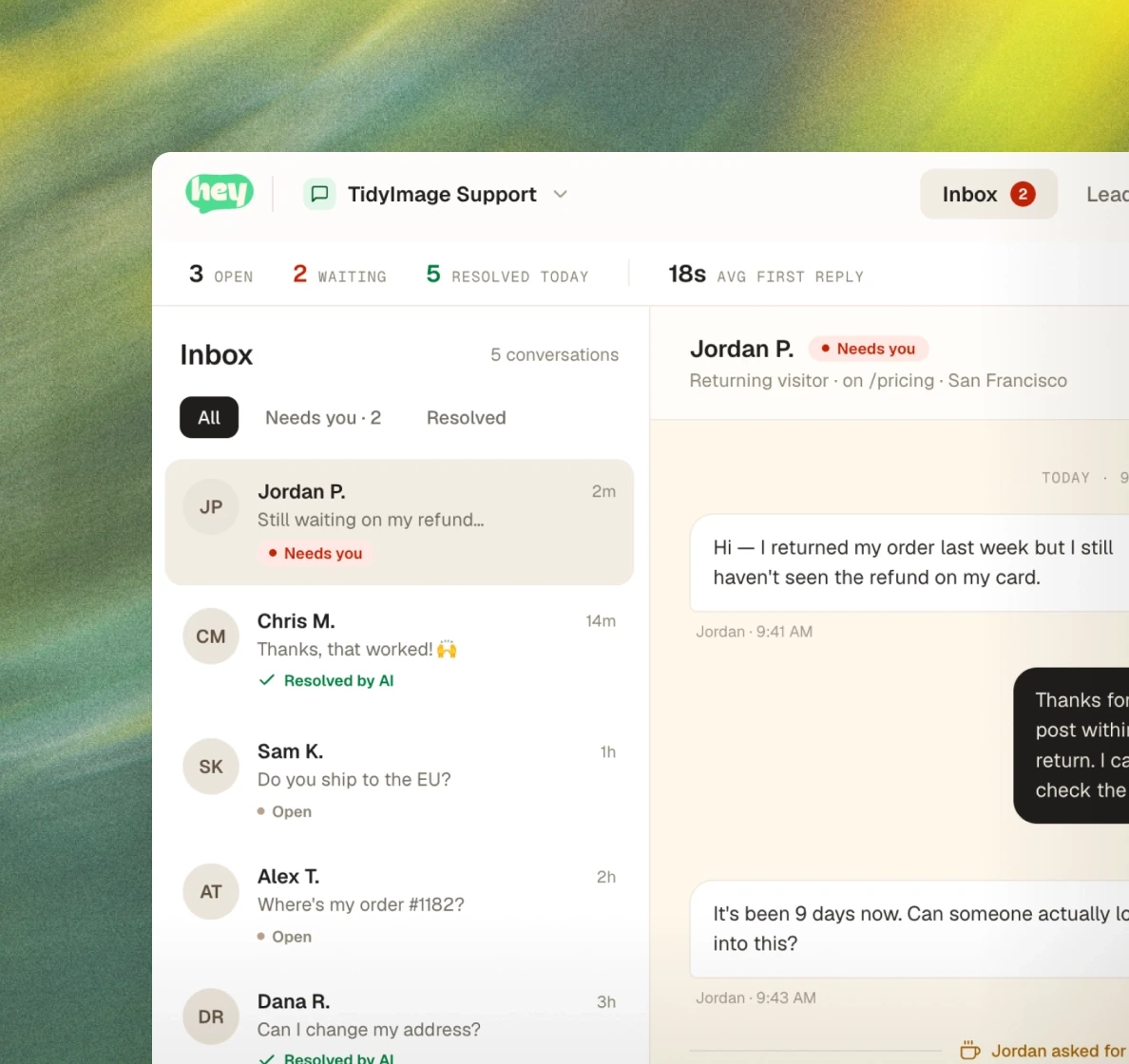
Every Telegram thread appears in your inbox with a channel tag, and agent replies go back to the chat.
Picks up where it left off
Messaging is a persistent one-to-one channel, so returning customers continue the same conversation.
Telegram questions, answered
Create a bot with Telegram's BotFather, copy its token, and paste it into Hey Support. We validate it and register the webhook for you. There's nothing else to configure.
Integrations that pair well.
Put Telegram to work in your next conversation.
No credit card · Live in a day · Cancel any time