The bot knows who it's talking to.
Connect HubSpot with OAuth and the agent can look a contact up by email before it answers, pulling their company, lifecycle stage, and deal history so the reply fits the person, not a stranger.
Context, before the first reply.
A returning customer and a first-time visitor deserve different answers. With HubSpot connected, the agent can check who's on the other end of the chat (their record, their stage, their history) and shape the conversation around it.
Connection is a standard OAuth handshake with read access to contacts and deals. Nothing is written back; the integration reads context so the agent answers better.
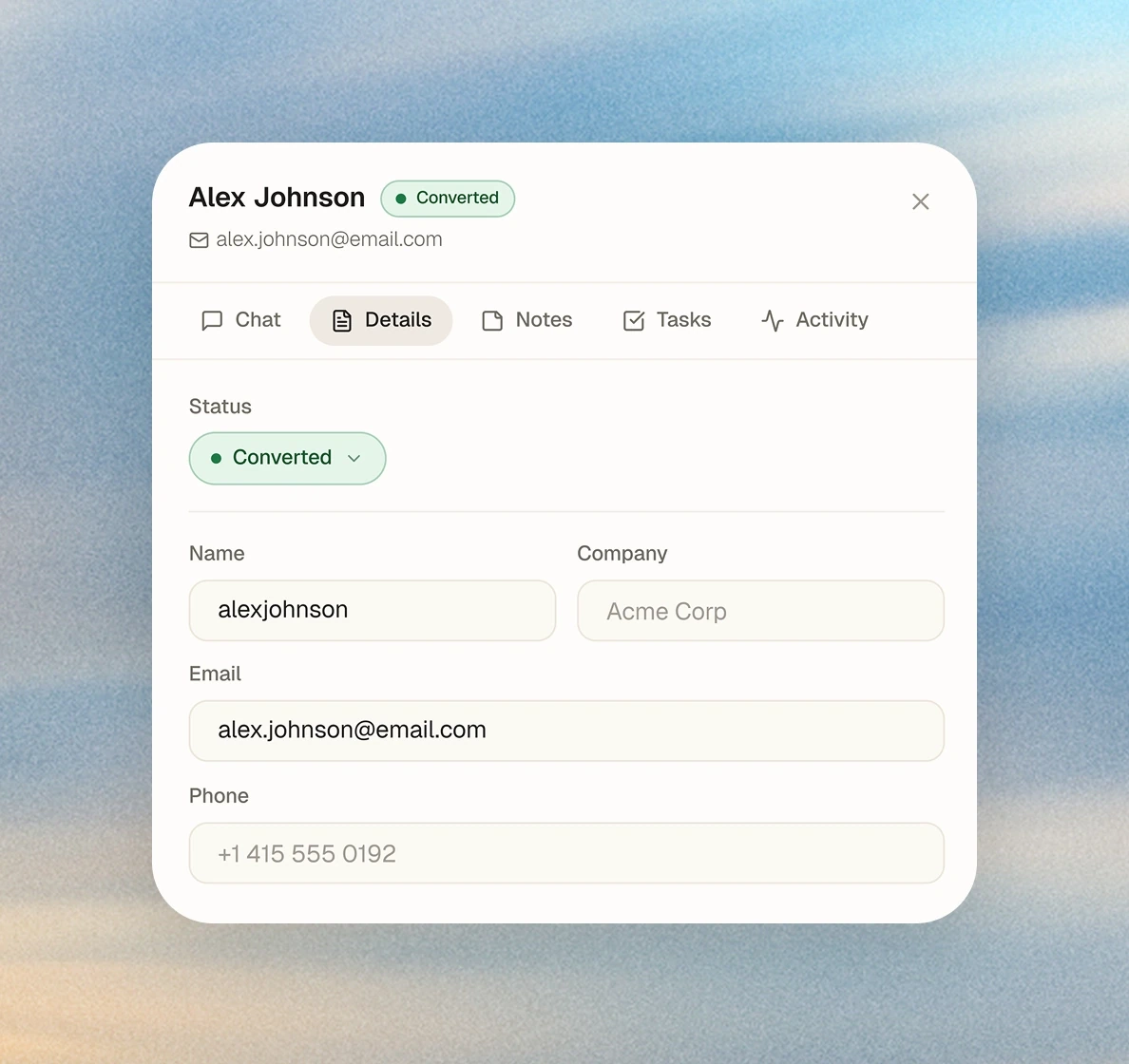
Authorize with OAuth.
Connect HubSpot
Authorize Hey Support from the Connections hub. It requests read access to contacts and deals, nothing more.
Enable the action
Turn on the contact lookup for the chatbots that should use it, from the Actions page.
Let it read the room
The agent looks a contact up by email when it helps, and folds their stage and history into the answer.
Find the person, then answer.
Find a contact by email
Matches the visitor to their HubSpot record when an email is known.
Read lifecycle stage
Knows whether it's talking to a lead, an opportunity, or an existing customer.
See deal history
Pulls the deals tied to the contact, so the agent has the relationship in view.
HubSpot questions, answered
It reads contact records and their associated deals: name, company, phone, lifecycle stage, and deal history. The connection is read-only; it doesn't write back to your CRM.
Integrations that pair well.
Put HubSpot to work in your next conversation.
No credit card · Live in a day · Cancel any time