Ask how to reduce support ticket volume and most of the advice you get is really advice on how to hide. Bury the contact button three menus deep. Put a "was this helpful?" maze in front of the inbox. Require a nine-field form to report a broken thing. Ticket volume falls, the chart looks great in the Monday meeting, and the customers who needed help either gave up or left.
I set up support automation for customers every week, so I have watched both versions of this project up close: the one that removes tickets and the one that removes customers. Both produce a falling ticket graph. The difference shows up elsewhere, and later: in reviews, in chargebacks, in quiet churn you never get to argue with.
Here is the version that removes tickets.
Name the failure mode first
The trap is built into the accounting. Every ticket costs money, so fewer tickets reads as savings, and any tactic that lowers the count looks like progress. But a ticket is a customer telling you something went wrong, at their own effort, while they still care enough to type. Suppress the ticket and the problem does not disappear. It migrates to places you cannot answer it: a dispute with their bank, a one-star review, a cancellation with no exit survey.
The rest of this piece assumes you agree with that. If your goal is a lower number at any cost, you can stop reading and remove your contact page; it works immediately.
Find out where tickets actually come from
Before automating anything, tag a week of tickets by hand. Not with software, with your eyes: read each one and bucket it. The buckets emerge fast, and for most businesses a small set dominates: order status, returns and exchanges, billing confusion, password and access problems, and a long tail of how-do-I questions.
Keep the buckets few and honest. Ten is plenty; thirty is a taxonomy project. Tag by what the customer needed, not by which team answered, because routing hides causes: a "billing" ticket that exists because the invoice wording is confusing is really a wording ticket. If you have no ticket system at all, search your inbox for question marks and do the same exercise. The point is the distribution, not the tooling.
Say you get 600 tickets a month. In a typical shape (illustrative, but I see versions of it constantly), a third are "where is my order", a fifth are returns, a tenth are billing, and the rest scatter. That distribution is your roadmap. Anything you do to the top two categories moves the whole number; anything you do to the tail is a rounding error dressed as a project.
How you count matters too, and raw ticket count is a misleading base when you are growing. Contacts per 100 orders is the number that stays comparable; more on that in customer service metrics that matter.
Fix the sources before you automate
The best ticket is the one that never needed asking, and a surprising share of tickets are caused, not received. Unclear checkout copy that hides the shipping cutoff. A size chart that lives on a PDF nobody opens. An invoice line that says "GW-SUB-A" instead of the product's name. A settings page that is genuinely unfindable.
Read your top bucket from the audit and ask, for each recurring question: where should this answer have been, at the moment the customer needed it? Often the fix is one sentence in the right place. A shipping estimate on the product page kills a slice of "where is my order" before the order exists. A "what happens next" line on the confirmation email kills another.
These fixes are unglamorous and free, which is why they lose internal arguments to shiny automation projects. Do them first anyway. Automation built on top of a confusing product answers the same confused questions forever.
A habit that keeps this going: every recurring question gets exactly one of three verdicts. Fix the page so the question stops occurring, automate the answer end to end, or accept it as a conversation a human should be having. Write the verdict next to each bucket from your audit. The buckets with no verdict are the ones still there next quarter.
Self-serve people can actually trust
Once the causes are fixed, the remaining questions need answers people can find at 11pm. That starts with a help center that is findable and honest, and increasingly it means an AI layer on top of it that answers in one step instead of making people dig.
Findable means linked from the places people already look: the order confirmation email, the footer, the account page. A help center reachable only through a hamburger menu is a secret.
The trust part is the detail that decides whether self-serve works. People believe an answer that shows its source and are right to doubt one that does not. An unsourced bot answer is a rumor from your own website. This is why we built Hey Support to answer only from your indexed content, cite the page it pulled from, and say "I don't know" when the answer is not there. The setup work that makes this reliable, choosing and reviewing what gets indexed, is covered in how to train an AI chatbot on your website.
One opinion from watching a lot of these: a smaller knowledge base that is entirely true beats a big one that is mostly true. Every wrong answer teaches the customer to open a ticket next time, and that lesson is expensive to unteach.
Automate the repetitive tickets end to end
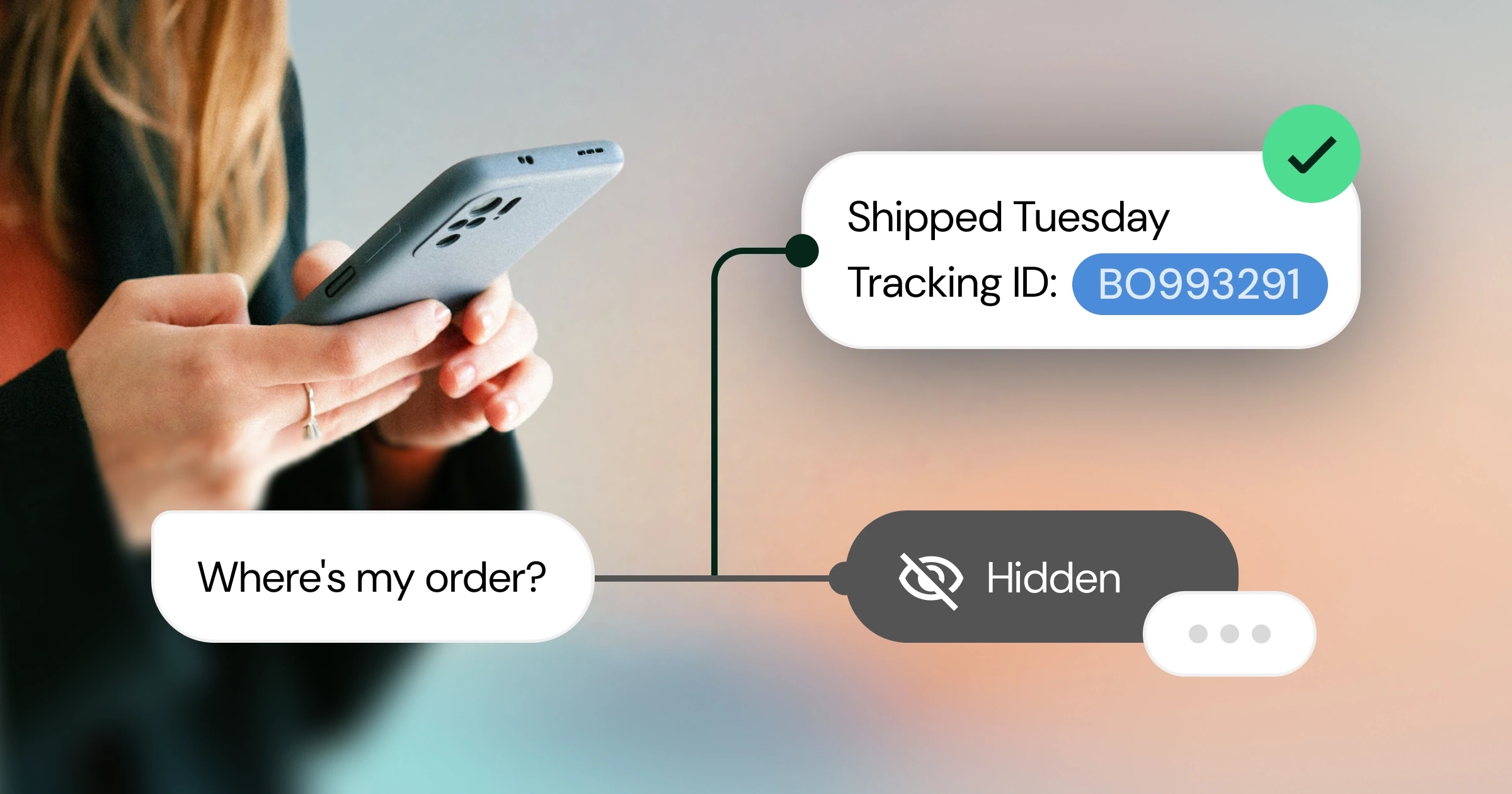
There is a difference between automation that links to things and automation that does things. "You can check your order status on your account page" is a signpost. Looking up the order against your store and answering "your order shipped Tuesday, here is the tracking link" is a resolution. Only the second one prevents a ticket.
The candidates are the top of your audit list: order lookups against Shopify or WooCommerce, booking changes, password reset links, a discount code where policy allows one. Sensitive operations deserve an approval gate, so an address change or an above-threshold discount waits for a human yes before it executes. That keeps "automated" from drifting into "unsupervised".
Start with one flow and finish it properly, verification included: an order lookup should ask for the email on the order, not hand details to whoever types a plausible number. One complete automation that works builds the case for the next. Three half-built ones build the case for turning it all off.
This is the layer where the ticket number really moves, because it is aimed at the categories that dominate the count. The wider rollout playbook, including what to automate in which order, is in our plain-English guide to AI customer support.
Keep a person one click away
Everything above works better when the exit is visible. That sounds backwards, so it deserves a beat: an easy path to a human is what makes people willing to try self-serve at all. If the bot is a wall, people fight the wall or leave. If the bot is a fast first attempt with a person behind it, people let it try.
So measure handoff, and do not punish it. A conversation that reaches a person with full context, already triaged, with the order number and the failed attempts attached, is a good outcome. It is a cheaper, better ticket, not a failure of automation. Teams that set "handoff rate down" as a target end up rebuilding the deflection maze with nicer fonts.
What arrives on the human side matters as much as the button. A good handoff carries the whole transcript, the page the visitor was on, and whatever the bot already looked up, so the person starts warm instead of re-interviewing someone who has already explained the problem once.
Measure the reduction honestly
Three habits keep you honest. First, track contacts per 100 orders (or per 100 active users) rather than raw tickets, so growth does not read as failure and shrinkage does not read as success. Second, separate resolved from abandoned: a conversation that ends because the person gave up counts against you, even though it looks identical in a "closed" column. Third, watch the places suppressed problems leak: review sites, social replies, dispute rates. If tickets fall while one-star reviews mentioning "can't reach anyone" rise, you have relocated the queue, not reduced it.
A quick way to see the second one is to read twenty conversations that closed with no reply and sort them by hand into "got what they came for" and "left". The ratio is rarely flattering, and it is the honest denominator for any resolution claim you make afterward.
None of this needs a data team. A spreadsheet, the audit buckets from earlier, and twenty minutes a week reading transcripts will catch almost everything that matters.
The goal is fewer boring tickets
The end state is not fewer conversations. Conversations are demand, and some of them are revenue wearing a question mark. The end state is that the repetitive majority answers itself instantly and correctly, your team spends its day on the exceptions where judgment earns money, and nobody on either side of the conversation is performing busywork.
That framing also explains a pricing opinion we hold: charging per resolved conversation gives your vendor a reason to love deflection more than you should. Hey Support prices flat, with conversation pools instead of per-answer meters, because the last thing a support tool should do is make you flinch every time a customer asks a question.