Every December, the questions in your inbox change. Fewer people ask what a product does. More ask when it will arrive, whether you are open on the 26th, and if their aunt can return the jumper in January. They are the same questions at every shop, they arrive at every hour, and most of them have one right answer: a date.
The good news is that you can prepare all of them in one evening. Write each answer once, put it where your support agent can read it, test it like a customer would, and the right dates go out all month without you retyping them.
The six questions every shop gets in December
Start by writing down your answers to these. Most shops need all six.
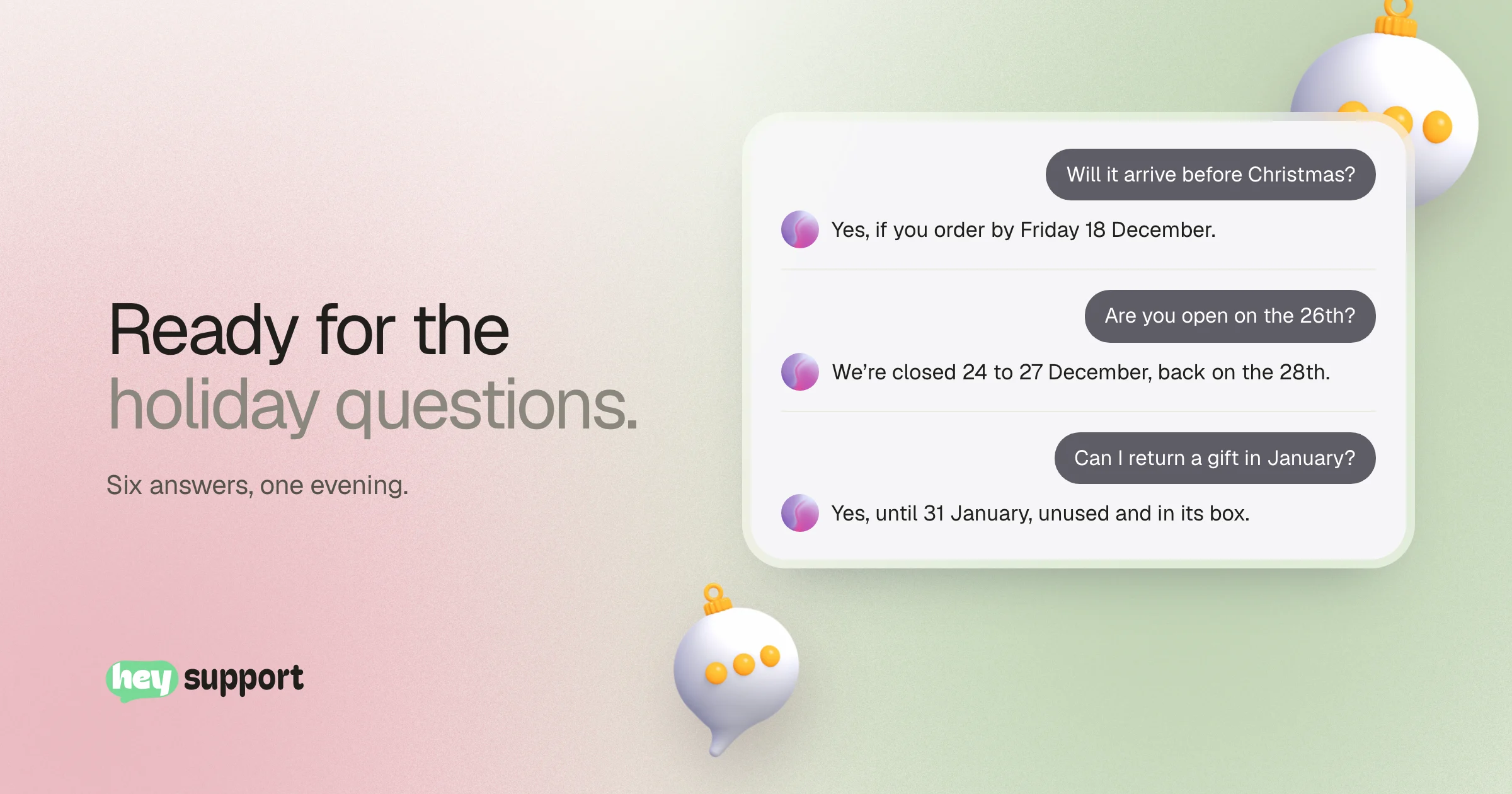
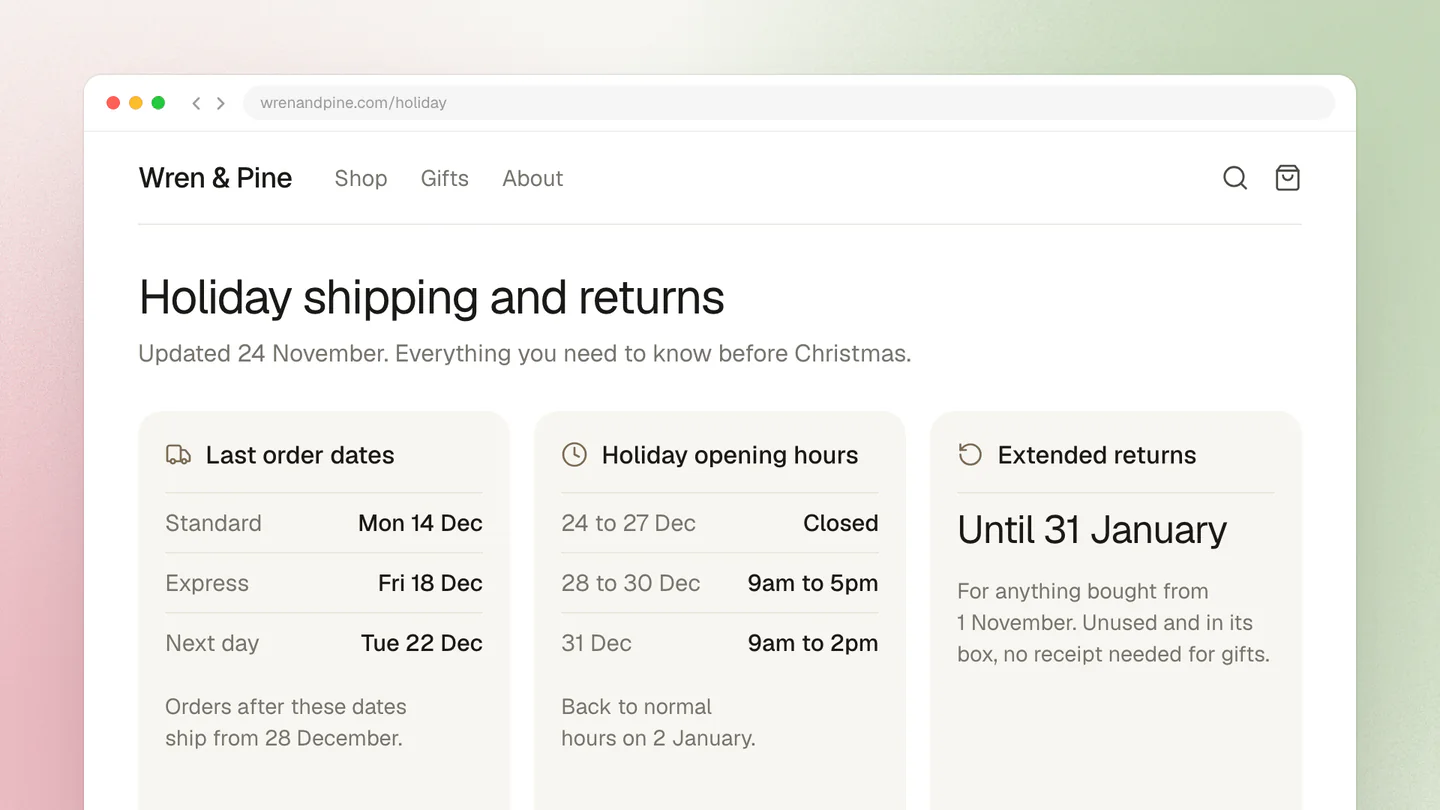
- Will it arrive before Christmas? Your last order date for each delivery option, and what happens to orders placed after it.
- Are you open on the 24th, 26th and 31st? Your holiday hours, and the day you are back to normal.
- Can I return a gift in January? How long the returns window runs over the holidays, and whether the person returning it needs a receipt.
- Is there a code? The offers you are actually running, with their end dates. And just as important, that there is no other code.
- Do you gift wrap, or can I add a note? Yes or no, and what it costs.
- Where is my order? Where tracking lives, and how long dispatch takes during your busiest week.
Put the dates on your website first
Your website is the place customers check, so the answers should live there before they live anywhere else. A single page called something like "Holiday shipping and returns" is enough. Put the six answers on it, in plain sentences, and link to it from your footer or your shipping page.
This matters for your agent too. Hey Support answers from your own pages and shows the source under every answer, so the holiday page becomes the thing it quotes. Add the new page to your agent in Knowledge, under your website. After any later edit, press Sync now there, so your agent reads the new dates straight away instead of waiting for its next scheduled re-read.
Use Quick answers for the ones that must be exact
Some answers should never be paraphrased. A last order date, a returns deadline, a phone number for urgent orders. For those, add a Quick answer in Knowledge: the question as a customer would ask it, and the exact reply. Your agent gives that reply word for word when the question comes up.
Keep it to the few that really need it. Three to five Quick answers usually covers the holiday period. Everything else is better answered from the page, where the wording can stay natural.
Write your offers in one place
"Is there a code?" is the question that comes with every sale. If you run a Shopify or WooCommerce shop, write your current offers in the Current promotions and discount codes box, in your own words, with their end dates. Your agent shares those offers and only those. When someone asks about a code you never made, it says so, and points to the one you are actually running.
When the sale ends, delete the line. That is the whole cleanup.
Test it like a customer
Open Try your agent and ask the six questions the way a customer would, including the slightly wrong versions: "if I order on Sunday will it come before xmas", "are you closed boxing day". Check three things for each answer:
- the date is right
- the source under the answer is your holiday page or the right Quick answer
- nothing is promised that your page does not say
If an answer is off, the fix is almost always the page, not the agent. Make the sentence on the page clearer, press Sync now in Knowledge, and ask once more.
When a question was not on your list
Someone will ask about something you did not prepare. Your agent says it does not know instead of guessing, and it can offer to bring in your team. On Growth and up, a person can take over the chat live.
Those questions land in Unanswered questions, grouped, with how many people asked. Check it every few days in December. One answer taught there stops the same question for everyone after.
The evening, in order
| Time | What to do |
|---|---|
| 20 minutes | Write the six answers with full dates |
| 15 minutes | Publish the holiday page and link it from your footer |
| 10 minutes | Add the page in Knowledge, then three to five Quick answers |
| 5 minutes | Write your current offers in the promotions box |
| 10 minutes | Ask the six questions in Try your agent and fix what is off |
An hour, give or take. After that the December questions answer themselves with your dates, at three in the morning as well as at three in the afternoon, and you get to spend the busiest weeks of the year on the orders instead of the inbox.
If you are not on Hey Support yet, every plan is $1 for 45 days until 7 December, which covers the whole holiday season.